

You’ve probably heard of otot² (o²) photos and wondered what the fuss is all about. It’s not just another gym selfie trend. These are carefully crafted images that highlight muscle definition through a blend of lighting, posing, and editing.
If you’re into fitness, you know how important it is to track your progress. Otot² (o²) photos do just that, but in a way that makes every hard-earned muscle pop.
I’m going to walk you through a step-by-step guide on how to take these photos like a pro. Whether you have a smartphone or a DSLR, I’ll cover the core principles, essential gear, and simple editing tricks.
By the end, you’ll be able to capture stunning muscle photos that truly showcase your hard work. Let’s get started.
What Defines an ‘Otot² (o²)’ Photo?
Let me tell you, the term ‘otot’ means ‘muscle’ in Malay/Indonesian. The ‘²’ or ‘o²’ stylization? It’s all about taking that muscle to the next level.
High contrast, sharp details, and dramatic lighting. That’s what makes an otot² (o²) photo stand out.
It’s not just about showing off size. No, it’s about sculpting the body with light, creating a 3D map of the muscles. Every fiber, striation, and vein is on full display.
This style is different from typical fitness photos. Why? Because it focuses on artistic shadows and definition.
It’s more than just flexing; it’s about showcasing peak condition.
You see this style all over social media, especially Instagram. Bodybuilders, physique athletes, and fitness enthusiasts use it to show they’re at their best.
It’s like turning the body into a work of art. And let me tell you, it’s impressive.
The Four Pillars of a Striking Muscle Photo
Pillar 1: Lighting. Hard, directional light is key. Light from the side or top creates deep shadows that carve out muscle definition, unlike flat, front-on light.
Use a single window as your light source.
Pillar 2: Posing. Go beyond a simple flex. Angle the body, twist the torso, and control breathing to tighten the core and make muscles appear fuller and more separated.
Practice twisting to shrink your waist and broaden your shoulders.
Pillar 3: Muscle Condition. Being in a lean state reveals detail. Concepts like the ‘pump’ from a workout and proper hydration can maximize vascularity and fullness for a shoot.
Just be safe and don’t overdo it.
Pillar 4: Background. A simple, non-distracting background (like a plain wall or dark setting) is crucial. A busy background will detract from the physique, which should be the sole focus of the image. o²
What’s next? You might be wondering how to set up your first photoshoot. Start with the basics. Mrstechland
Find a good light source, practice your poses, and choose a simple background. Don’t worry about fancy equipment. Your phone camera can do wonders if you nail these pillars.
Gear and Camera Settings for Amateurs and Pros
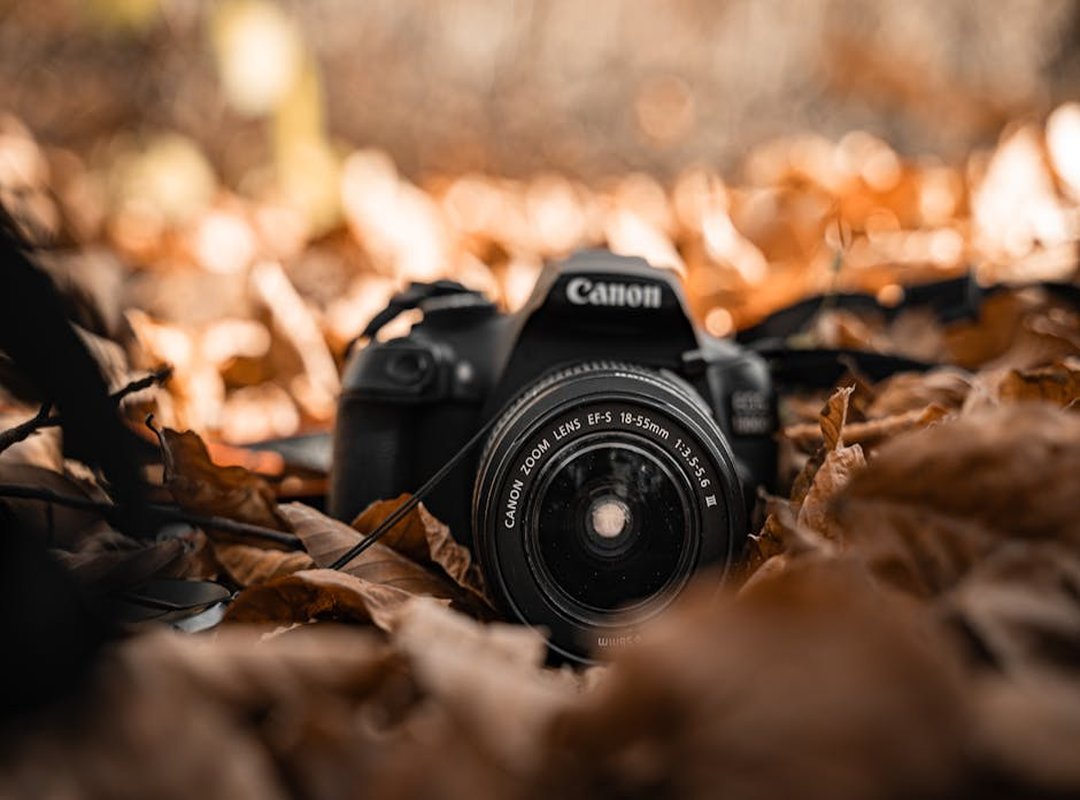
For smartphone users, portrait mode is a game changer. It creates that nice background blur, making your subject pop. Don’t forget to tap the screen to focus on your subject and use the exposure slider to darken the scene for more drama.
DSLR or mirrorless users, a 35mm or 50mm lens is your best friend. Start with a slightly closed aperture (f/2.8-f/5.6) to keep the whole physique sharp. Keep the ISO low (100-400) for clean, noise-free images.
Lighting gear doesn’t have to break the bank. A single, cheap LED panel, a desk lamp with the lampshade removed, or even a car’s headlight can create the hard light you need.
Stability is key. Use a tripod or prop your phone/camera on a stable surface. This ensures sharper images and makes self-portraits much easier with the camera’s self-timer function.
Pro tip: Applying a bit of oil, like baby oil, to the skin can help catch the light and enhance muscle definition.
o² photos can really make a difference in how your final shots look.
Simple Editing Techniques to Enhance Definition
Editing is the final step to achieve that signature otot² look. It’s all about making those details pop without looking overdone.
Start with accessible apps like Adobe Lightroom Mobile or Snapseed. These tools are user-friendly and powerful.
Slightly increasing the ‘Clarity,’ ‘Texture,’ or ‘Structure’ slider in an app can make muscle details stand out. Just a small tweak can go a long way.
Next, focus on contrast. Increasing it makes brights brighter and darks darker. This enhances the overall definition of the photo.
Lowering the ‘Shadows’ slider slightly can deepen the natural shadows created by lighting. This adds a 3D effect, making the subject more dynamic.
Adding a subtle, dark vignette around the edges draws the viewer’s eye directly to the center. It’s a simple but effective technique.
For color correction, slightly desaturate the colors. This creates a grittier, more intense mood. Or, convert the image to black and white for a classic, dramatic look.
Before you edit, the photo might look flat and uninteresting. After these tweaks, it becomes powerful and dramatic. The otot² (o²) photos really come to life with these simple adjustments.
Start Capturing Your Hard Work Today
A great otot² (o²) photo isn’t about luck, but the intentional combination of strategic lighting, effective posing, and smart editing. You now have the complete toolkit to move beyond basic gym selfies and start creating professional-looking physique photos. No more wondering how others get those incredible shots; you now have the exact formula.
Pick one technique from this guide—like using a single window for lighting—and try it after your next workout. You’ll be amazed at the difference it makes.
