
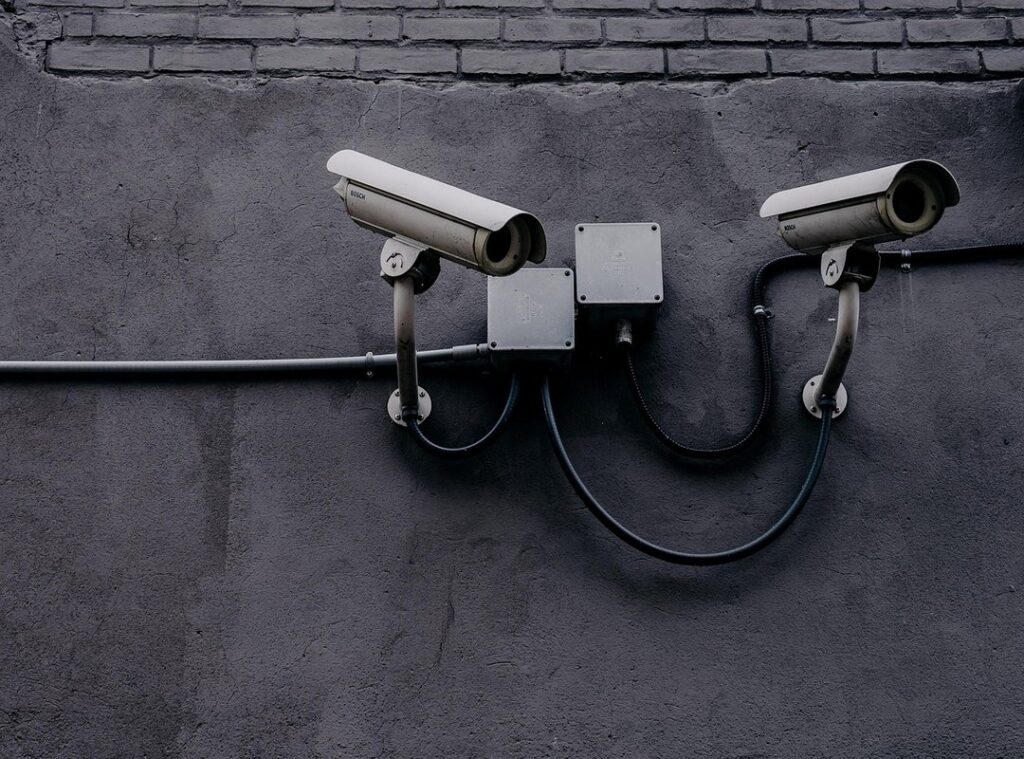
Devices are everything in our lives today. We rely on them for work, communication, and entertainment. So, when you think about the risks (loss,) damage, or even cyber attacks.
It’s enough to make anyone anxious.
Are you worried about your phone getting stolen or your laptop crashing? You’re not alone. Devices face constant threats, both physical and digital.
Accidents and theft lurk around every corner while malware and data breaches wait for the chance to strike.
I’ve spent years watching how technology evolves and how we can protect our digital assets. I’ve seen what works and what doesn’t. This guide is built on that experience.
I want to give you straightforward, actionable device security tips. You deserve to feel secure with your technology.
Here, you’ll find practical advice that empowers you to safeguard your valuable devices. I aim to help you understand the details of device longevity and security. By the end, you’ll have the knowledge to protect what matters most. and secure your tech.
Beyond the Screen: Physical Protection for Devices
Let’s talk about something that often gets overlooked: physical protection for our gadgets. We all know they’re pricey (and not to mention, key). Ever dropped your phone?
You probably felt that heart-stopping moment when it hits the ground. So, here’s the deal: a solid case and a sturdy screen protector aren’t just accessories (they’re) necessities.
But there’s more. Store your devices wisely. Keep them out of scorching cars and away from direct sunlight.
Trust me, your tech won’t thank you for a sauna session. And don’t forget moisture and dust. Two silent killers.
A good protective sleeve for your laptop or tablet is a smart move.
Power surges are another enemy. Use surge protectors and a UPS for all your plugged-in electronics. Simple, right?
These are lifesavers against power fluctuations.
Oh, and let’s not ignore the built-in tracking features. Whether it’s ‘Find My’ on iOS or ‘Find My Device’ for Android, they’re your best friends if your device goes AWOL.
Lastly, regular cleaning. A gentle wipe with a microfiber cloth or a blast of compressed air can extend your gadget’s life. These device security tips are practical and will keep your tech running smoothly.
Building Digital Walls: Important Cybersecurity for Your Gadgets
Passwords. You’d think we’d have that figured out by now, but they’re still a headache. I can’t stress enough the importance of using strong, unique passwords for every account.
If you’re like me and can’t remember them all, a reputable password manager is your best friend. Let’s not pretend we’re all memory wizards.
But there’s more. Have you enabled two-factor authentication (2FA) or multi-factor authentication (MFA)? If not, you’re leaving a door open.
Add that extra layer. It’s a simple step, but it packs a punch in security.
We also need to discuss antivirus and anti-malware software. Install them, keep them updated, and don’t ignore those nagging notifications. They exist for a reason.
And then, there’s public Wi-Fi. It’s convenient but risky. A VPN for secure internet access?
It’s not a luxury; it’s a necessity. Trust me, you’ll thank me later.
Recognizing cyber threats is key (phishing) emails, suspicious links, unsolicited messages. Don’t just click blindly. Learn to spot these traps.
They’re sneaky and everywhere.
Lastly, updates. They’re annoying, sure. But keeping your operating systems, applications, and firmware consistently updated is non-negotiable.
It’s about patching known vulnerabilities that hackers love to exploit.
These device security tips. Simple but mighty. Are your first line of defense.
Don’t wait for a crisis to hit before you act. Being proactive isn’t just smart; it’s important.
Your Digital Vault: Smart Data Backup and Privacy Protection
Let’s talk about the 3-2-1 backup rule. It’s simple: keep three copies of your data, use two different types of media, and store one copy offsite. This method is your best friend against data loss.
Cloud storage services like Google Drive, iCloud, or Dropbox are handy. They’re easy to set up. External hard drives and Network Attached Storage (NAS) systems offer more control.
But remember, they’re not fireproof or theft-proof.
Set automated backups. Your phone, computer, and tablet can handle it. It’s 2023; this should be a no-brainer.
Privacy settings need your attention too. Social media, apps, and browsers are snooping around. Minimize your data exposure by reviewing these settings regularly.
Encrypting sensitive files is smart. Even if your device falls into the wrong hands, your data stays safe.
Thinking of selling or donating a device? Don’t forget secure data wiping. This prevents data recovery by others.
It’s key for your peace of mind.
For a deeper dive into securing your devices, check out this overview. It’s packed with device security tips to keep you ahead of potential threats. Stay alert and keep your digital vault locked tight.
Everyday Habits: Keep Your Tech Alive
You know what’s annoying? A dead battery when you need it most. I can’t stress enough how key it is to avoid charging your devices to 0% or 100% for long periods.

It kills battery life. Seriously, always use the original or certified chargers. Think of them as the unsung heroes of your tech’s lifespan.
Now, let’s talk about updates. Every time you ignore that software update, you’re kissing performance improvements and security patches goodbye. It’s not just about new features (though that’s a bonus).
It’s about keeping your devices safe and running smoothly.
Here’s a simple trick: reboot your device periodically. It clears temporary files and refreshes memory. It’s like a mini spa day for your gadgets.
And it boosts performance too.
Speaking of cleanliness, digital decluttering is a must. Regularly uninstall unused apps and delete junk files. You’d be surprised how much space that frees up.
Permissions are another biggie. Understanding app permissions is key. Only grant necessary access to your device features.
Do apps really need access to your location or microphone? Probably not.
Lastly, be skeptical. Unsolicited calls, texts, and emails? They scream scam.
Legit companies don’t ask for personal info like that.
These device security tips are simple but solid. Protect your tech like you would your home. After all, they hold a lot of your personal life.
Isn’t it worth the effort?
When Disaster Strikes: React Fast and Smart
So, your device just vanished. It happens. First, stay calm.
When deciding on repairs, weigh the cost and complexity against your warranty. If you’re unsure, go pro. Device insurance can save you a lot of headaches, especially with high-value gear. Know your policy well.
Remotely lock it, wipe data if you’re panicking, then report to the police and your service provider. (They’ll need to know.) If backups are flaky or non-existent, don’t despair. DIY data recovery can work, but it might also make things worse. Sometimes, you need the pros.
And remember, having a solid backup plan is your best friend in any digital crisis. Check out cloud services for beginners to get started.
Protect Your Tech Today
In today’s tech space, you can’t afford to be passive. Implementing device security tips is important for safeguarding your devices and data. Physical protection, digital security, and smart habits are your first line of defense.
Are you ready to take action? Start using these strategies now to fortify your tech. Stay informed about new threats and solutions because complacency can cost you.
You’ve got the tools. Don’t wait for a breach to happen. Take control and secure your digital future today.
Make the commitment to protect what matters. Call now if you need help getting started.
